Inspections that work where you do.
Templated checklists, weighted scoring, on-site photo capture that keeps working when the WiFi doesn't. Raise a CAPA from a failed inspection in one click: no copy-paste between systems.
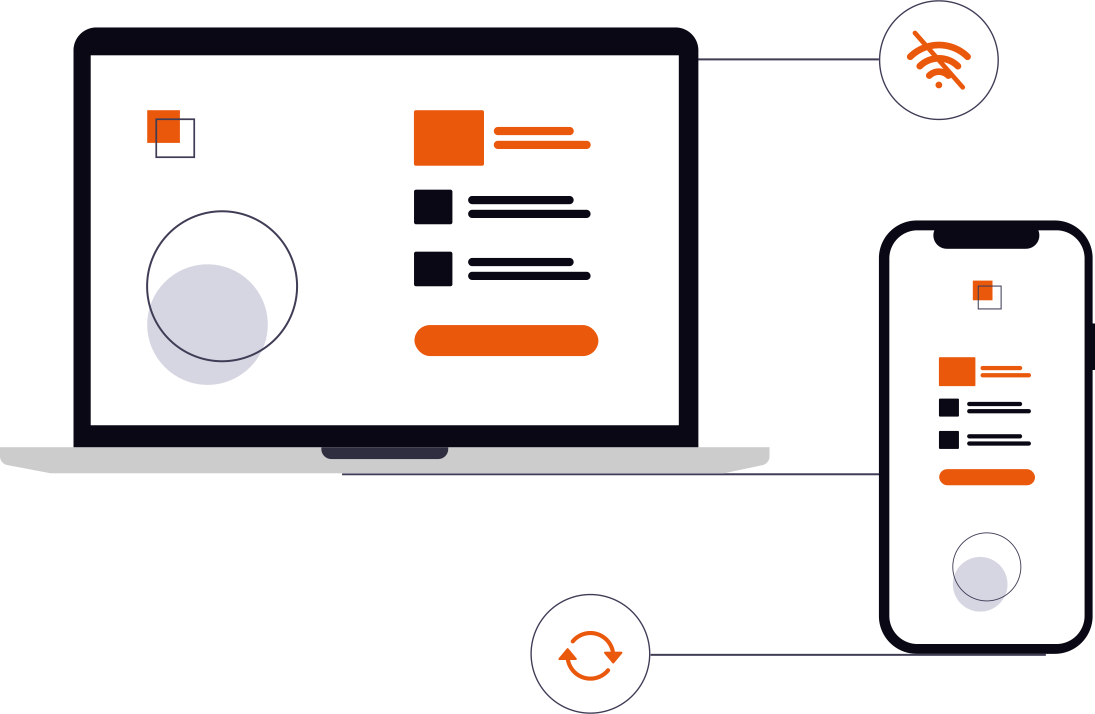
Most inspection software stops working in a tank farm.
Inspectors lose connectivity on roofs, in basements, in industrial yards. ENSURE inspections work fully offline: photos queue in an offline (on-device) outbox, the form keeps saving, everything flushes to the server on reconnect. Templates are versioned and weighted so the same checklist runs the same way every time, every site.
Templated checklists with weighted scoring
Build a checklist once, run it forever. Each item: pass / fail / N-A, optional comment, optional photo. Section weights roll up to a single grade with configurable traffic-light thresholds.
- Versioned templates: old inspections keep their original questions
- Configurable scoring (weighted or simple percentage)
- Per-site, per-area, per-asset variants
Offline photo capture, on-site
Camera input keeps working when there's no signal. Photos queue on the device with an "offline" badge, then flush automatically the moment you're back in range: nothing lost between the floor and the office.
- Fully offline capture: no signal needed on site
- Photos compressed automatically before upload
- Outbox UI shows queued count + size
Findings link to CAPA on close
A failed inspection isn't the end of the trail. One click raises a CAPA from a failed inspection, pre-filled with the findings and linked to the inspection as the source.
- One-click CAPA from a failed inspection
- Manual escalate button on any finding
- Source link preserved on the CAPA
A failed inspection has a downstream story.
Most inspection tools end at the grade. ENSURE keeps the story going: failed sections become CAPAs, actions flow to assignees, and the audit trail is preserved both ways.
Inspectors stop logging on paper.
Templates that don't drift, photos that don't get lost, failures that become CAPAs automatically. Book a 30-minute demo and we'll walk it through on your workflow.